Best AI Workflows for Professional Services and Law Firms
Professional services firms and law firms get early AI wins in intake, document work, billing support, and internal knowledge workflows.
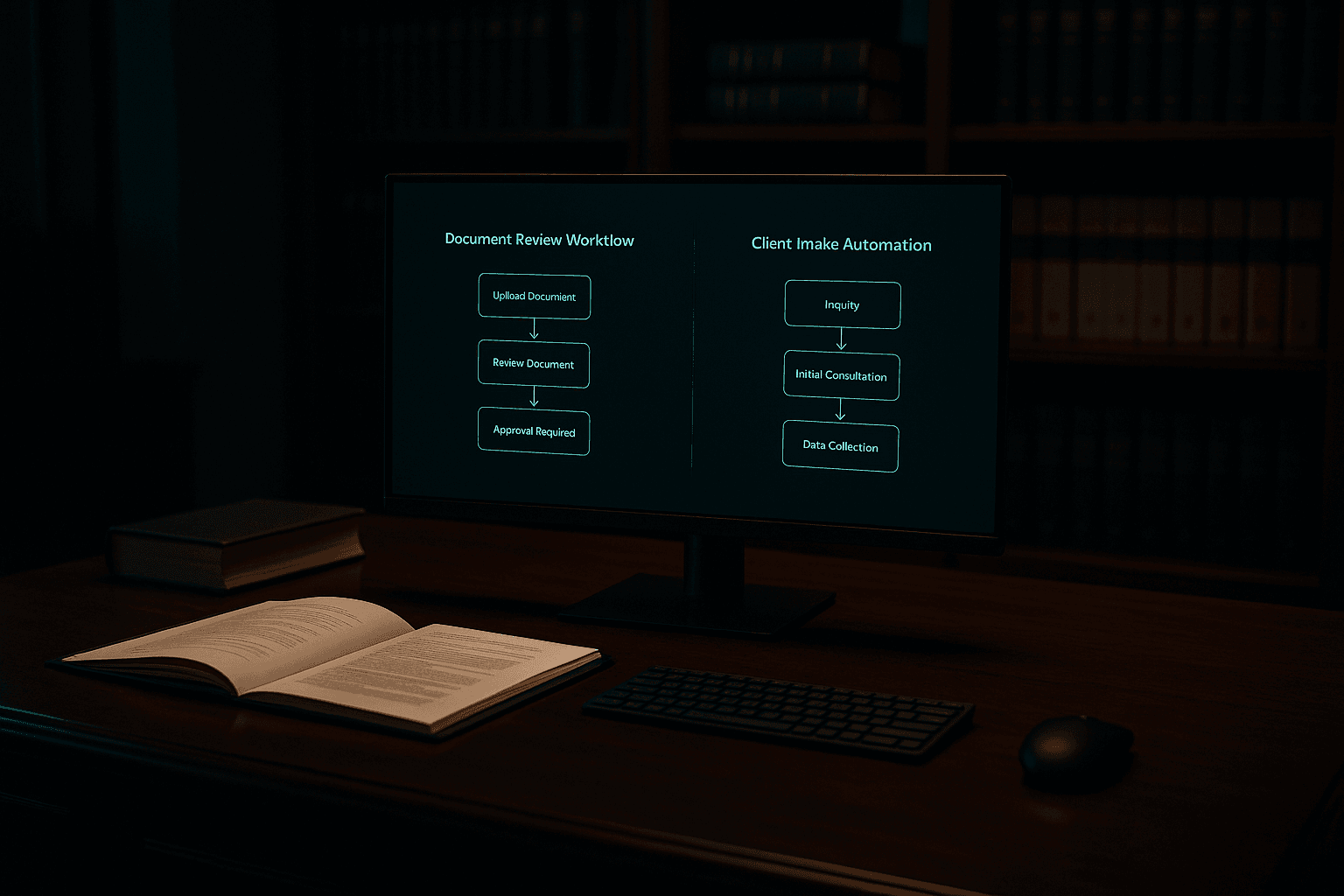
For professional services and law firms, the best early AI workflows protect expert time by removing the repetitive admin around it. Start with client intake, document handling and review, billing support, proposal work, and internal knowledge retrieval — the high-volume tasks that pull senior people away from billable, judgment-heavy work.
Protect expert time.
Professional services firms and law firms get strong AI gains when they remove repeat admin work around expertise. The best first targets are usually intake, document handling, billing support, proposal work, and internal knowledge retrieval.
Start with the industry pages here:
Why these firms are strong AI candidates
These firms often spend high-value expert time on work around the work:
- client intake
- document review
- billing support
- internal knowledge retrieval
- proposal and scope prep
- recurring communication and follow-up
A strong first AI workflow reduces this drag and protects expert hours.
The best workflows to automate first
Client intake
Intake is repetitive, admin-heavy, and easy to measure. A tighter intake workflow improves speed, handoff quality, and client experience.
Document review and document handling
This is one of the clearest AI use cases in legal and professional services work. The goal is not replacing judgment. The goal is reducing low-value document labor before judgment is applied.
Billing support and billing narratives
Billing descriptions, time-entry cleanup, invoice prep, and supporting detail often create back-office drag. These tasks repeat and follow recognizable patterns.
Proposal and scope preparation
Many firms rebuild familiar proposals from scratch. AI helps pull from past work and speed the first draft.
Internal knowledge workflows
Teams often lose time searching for prior examples, internal policies, research notes, precedent documents, and reusable language. This is a strong use case when the knowledge base is organized well enough to support it.
What should stay human-led
The strongest AI projects do not try to replace client judgment, legal judgment, or relationship judgment.
They remove workflow drag around expertise so experts spend more time on:
- advice
- analysis
- client conversations
- complex decisions
- final review
How to prove ROI
A good first use case often improves one or more of these metrics:
- intake speed
- document turnaround time
- senior staff utilization
- billing support time
- proposal creation time
- admin time per matter or client
For Evanston-area firms where healthcare, legal, and professional services overlap, see AI automation in Evanston.
For the execution path, see AI implementation Chicago.
The best next step
Start with work repeating often, consuming expensive expert time, creating client-facing delay, and carrying enough pain for adoption to come easily.
If you want help identifying the first workflow, start with the AI Workflow Audit.
Get the weekly AI brief.
Read by CIOs and ops leaders. One insight per week.
Related reading
- AI for Professional Services: How Firms Win on Price and Speed in 2026AI for professional services firms that want to compete on speed. Write proposals faster, onboard clients in days, and deliver more without adding headcount.
- Close Cycle: 11 Days to 4, Before a Financing EventAn illustrative example of a mid-market operator that cut its monthly close from 11 days to 4, improving reporting credibility ahead of a financing event.
- How PE Operating Teams Should Assess AI Readiness in a Portfolio CompanyA five-question framework PE operating teams can use to segment portfolio companies by AI maturity and find where a 90-day sprint produces the clearest value creation.